
Game serversfor your launch and every patch after it
Deploy your server builds to 21 locations, scale fleets with your player count and roll back a bad patch in seconds. Run it on our bare metal, Google Cloud or AWS, all from one control plane.
$ fragnet deploy 1.4.2 --fleet prod --strategy rolling
✓ Build 1.4.2 uploaded (2.1 GB)
✓ Europe: 10 of 10 locations healthy
→ North America: draining matches, then restarting
$ 21 locations, one deploy
Put fleets where your players are. Ship the same build to one location or all of them, and add regions as your game grows.
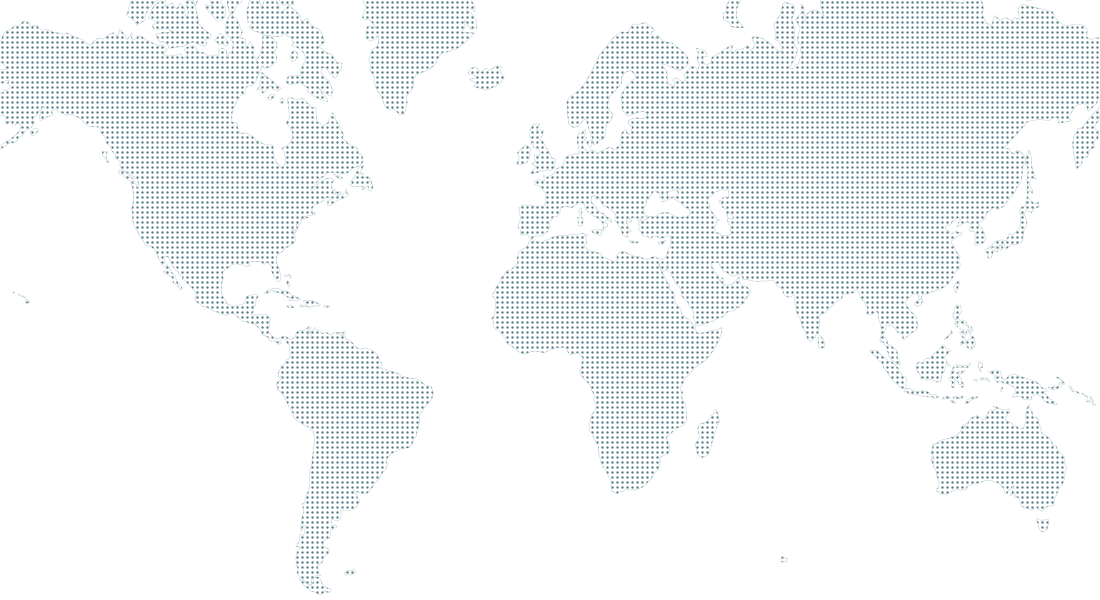
Select a region for more detail. Hover, focus or tap a marker.
North America6
Los Angeles, Chicago, Dallas, Atlanta, New York, Montreal
South America1
São Paulo
Europe10
London, Amsterdam, Frankfurt, Paris, Oslo, Stockholm, Helsinki, Warsaw, Bucharest, Athens
Asia-Pacific4
Mumbai, Singapore, Tokyo, Sydney
Scale with your player count
Fleets grow as matches fill and shrink when players log off, so a launch spike and a quiet Tuesday both cost what they should.
Autoscaling per region
Set a headroom target and limits per fleet. Servers are added as matches fill and released when players leave.
Warm capacity for launches
Reserve servers ahead of a launch or event so the first wave of players never waits in a queue.
Burst into the cloud
When bare metal in a region is full, extra servers start on Google Cloud or AWS and stop once demand drops.
- Players now
- 18,240
- Servers
- 412
- Headroom
- 15%
- Min servers
- 40
- Max servers
- 600
- Headroom target
- 15%
- Scale-down delay
- 10 min
$ fragnet rollback --fleet prod --to 1.4.1 --regions eu
→ Draining 1.4.2 servers in 10 locations
✓ Europe back on 1.4.1 in 38 s
Push, roll out, revert
Ship patches without a maintenance window. Every build is kept, so the last good version is always one command away.
Roll out by region
Start with a canary in one region, watch crash rates and match times, then widen the rollout when it looks healthy.
Drain before restart
Servers finish their current matches before they switch build, so no one gets kicked mid-game.
Revert in one command
Every build stays available. Going back to the last good version takes seconds, per region or everywhere.
On-prem, our cloud or yours
One control plane for every server, wherever it runs. Mix providers per region and move fleets between them without changing your build.
Fragnet bare metal
Our own hardware in 21 locations, set up for game traffic.
Your data center
Install our agent on your machines and manage them next to everything else.
Google Cloud
Run fleets in your own Google Cloud project, billed to your account.
AWS
Run fleets in your AWS account and keep using your existing commitments.
Fits into your pipeline
Upload builds from CI, manage fleets from code with the CLI or REST API, and send events to the tools your team already watches.
- GitHub Actions
- GitLab CI
- Jenkins
- Docker
- Unity
- Unreal Engine
- Godot
- Discord
- Slack
# .github/workflows/deploy.yml
- name: Deploy server build
  run: |
    fragnet builds push ./build --version 1.4.2
    fragnet deploy 1.4.2 --fleet prod \
      --regions eu --canary 10% --drain
Security and compliance
Built so your security review has short answers.
Isolated projects
Each project gets its own network, credentials and fleets. Nothing is shared with other studios.
Roles and single sign-on
Give each teammate the access they need, sign in with your identity provider and review every change in the audit log.
DDoS protection
Game traffic is filtered before it reaches your servers, in every location.
Data residency
Keep player data and logs in the EU, or in the regions your contracts require.
Talk to our team
Tell us about your game and where your players are. We’ll reply by email to set up a call.